
.png&w=3840&q=75)
Blogs/Desert Sound
Why Your Home WiFi Isn't Working and How to Fix It
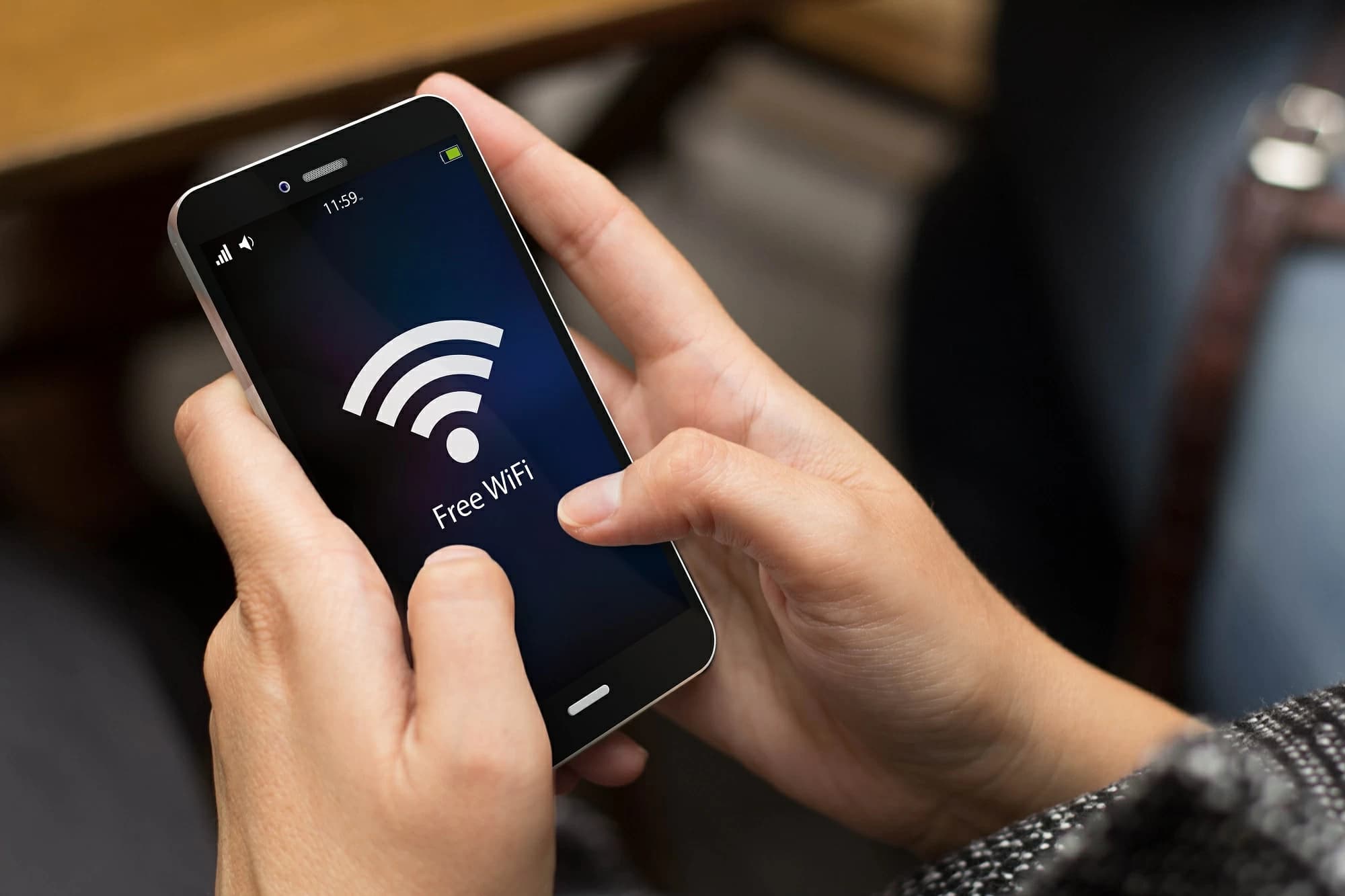
Wi-Fi fails for a short list of reasons: the ISP is down, the router is in a bad place, the hardware is old, or too many devices share one box.
Check the ISP First
If mobile data works and the WAN light is out, it is not your cinema. Confirm an outage before you reset everything. Maintenance windows and area faults are common. No amount of mesh fixes a dead uplink.
Reboot Properly
Power off modem and router. Wait 30 seconds. Modem first, then router. Wait until lights settle. Then reconnect one device and test. Rebooting only the TV does not restart the network.
Placement
Center, elevated, away from cabinets and kitchens. Concrete and metal — standard in Karachi — block 5 GHz. A router in the TV cabinet next to the AVR is a common own-goal.
Do not leave it on the floor behind a sofa. Do not hide it in a steel rack. A shelf in a hallway beats a “tidy” cupboard.
Keep a few feet from cordless phones, baby monitors, and the microwave. Those still chew 2.4 GHz.
Interference and Bands
2.4 GHz reaches farther and fights microwaves. 5 GHz is faster near the access point. Put the streamer and console on 5 GHz or, better, Ethernet.
If the router is dual-band, do not assume devices picked the right radio. A 4K stream on a crowded 2.4 GHz channel will look like “the Wi-Fi is broken.”
Too Many Devices
Phones, cameras, and other gadgets crowd a consumer router. Turn off unused clients. Use QoS if you have it, so a backup or a camera upload does not kill a call.
Smart lighting and doorbells add up. If the house has grown past a single box, you need more radios, not a louder router in the same corner.
Firmware and Hardware
Update firmware. If the router is years old and the house is full of 4K streams, replace it. Mesh or extra access points beat one extender daisy-chain.
An extender often halves throughput and creates a second network name. That is how phones stick to a weak signal in the wrong room.
Factory Reset Last
A reset wipes custom settings. Only after the steps above. Then set a real password and the correct bands. Look for burn marks, loose antennas, or a brick that is too hot to touch — that hardware is done.
After the Easy Fixes
If a reboot and a better shelf do not restore the far rooms, stop stacking consumer extenders. Map the dead zones. That map is what a proper access-point plan uses.
A cinema that streams 4K and a house full of cameras will beat a single ISP box even when the box is new. Separate the heavy wired clients, then cover the rest with access points that have a wired backhaul.
Write down the new Wi-Fi name and password. Leave a note on the rack. The next time someone “fixes” it by hitting reset, you have a path back.
If lights and speakers drop every evening, look at device count and the 2.4 GHz band before you blame the movie file. Evening is when the building’s networks are loudest.
If the house still has dead rooms after that, you need a planned home network, not another consumer extender.
Continue exploring
Contact
Ready to plan the room?
+92 21 111 570 111 · info@desertsound.com.pk
22-C/II, 2nd Zamzama Commercial Lane, Phase V, DHA Karachi
Get in touch