
.png&w=3840&q=75)
Blogs/Desert Sound
How to Improve Your Home Networking and WiFi Coverage
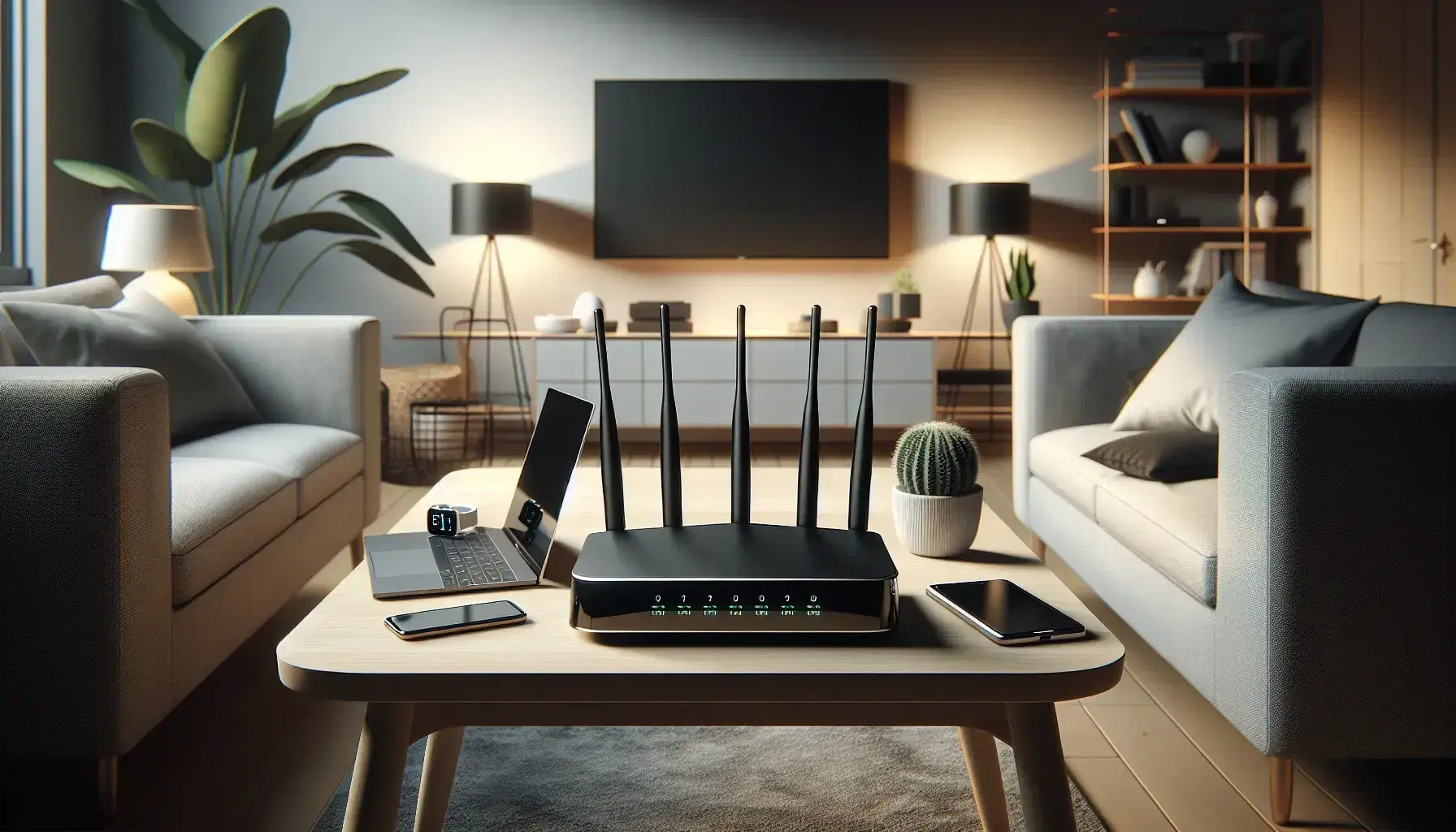
A home network and Wi-Fi system is coverage through the property, not a single ISP router in the hallway.
Why Coverage Fails
Router in a corner. Concrete or brick walls. Old hardware. Microwave and neighbour interference. Too many clients on one radio.
Dead zones, buffering, and dropped calls are the symptoms. The cause is almost always placement or a house that outgrew one box.
Move the Router
Central, high, clear of metal and the kitchen. Floor placement wastes range. A cabinet “to hide the lights” is how the signal dies before the bedrooms.
Upgrade When It Is Time
Enough radios for the device count. Newer Wi-Fi helps dense homes. Do not buy a flagship router and hide it in the same cabinet.
Dual-band or tri-band only helps if clients can use those bands. A ten-year-old modem behind a new mesh is still the bottleneck.
Extender vs Mesh
An extender repeats and often halves throughput. Mesh with a wired backhaul is what larger Karachi homes usually need. Wire access points if you can — over ceiling voids, along trunking, or through a conduit that is already there.
One extra access point in the right place beats three extenders hopping through walls.
Lock It Down
Strong password. Current encryption. Kick unknown clients. An open or guessed network gets slower when the building next door joins it.
Cut Interference
Distance from cordless bases and ovens. Change channel if the 2.4 GHz band is crowded. You can see that in the router’s wireless settings or a basic analyser app.
Test
Walk the house with a signal app. Speed-test near the access point and in the dead room. If the WAN speed is fine and the far bedroom is not, it is a coverage problem. If both are slow, call the ISP after you have ruled out a dying router.
What “Good Enough” Looks Like
A phone that stays on the nearest access point when you walk the hall. A streamer that never touches Wi-Fi if a cable can reach. Cameras that record without killing the lounge stream.
That is the bar. Fancy router features do not matter if the bedroom is still a dead zone.
On a site visit we also check whether the ISP modem is in bridge or still doing Wi-Fi of its own. Two overlapping networks in one apartment is a frequent Karachi mess.
Once coverage is even, then we talk speed tests and plans. Buying a faster package into a bad radio does not move the far room.
Cinema and multi-room audio sit on this network. Streaming and control fail in the same spots the phone does. Desert Sound plans it with the install. Home networking and Wi-Fi.
Continue exploring
Contact
Ready to plan the room?
+92 21 111 570 111 · info@desertsound.com.pk
22-C/II, 2nd Zamzama Commercial Lane, Phase V, DHA Karachi
Get in touch